
What gets measured gets managed. AI visibility is no different. This guide shows you how to track it with tools you already have.
In this guide you will learn how to use log files to see which AI bots visit. We will keep it practical, with clear steps, visual breakdowns, and specific actions you can take today. The first step in any AI visibility project is to run a free AI crawler check on your website so you know exactly where you stand against the 196 bots we track across 8 categories.
Key Takeaways
- GEO and SEO share most of their foundation, but the differences decide AI citations.
- Citability, authority, and crawl access are the three pillars that matter most.
- You can measure progress with an AI Visibility Score and AI referral tracking.
- Start with a free baseline using the free AI crawler check.
The Mechanics of AI Bot Crawls in Server Logs, Briefly
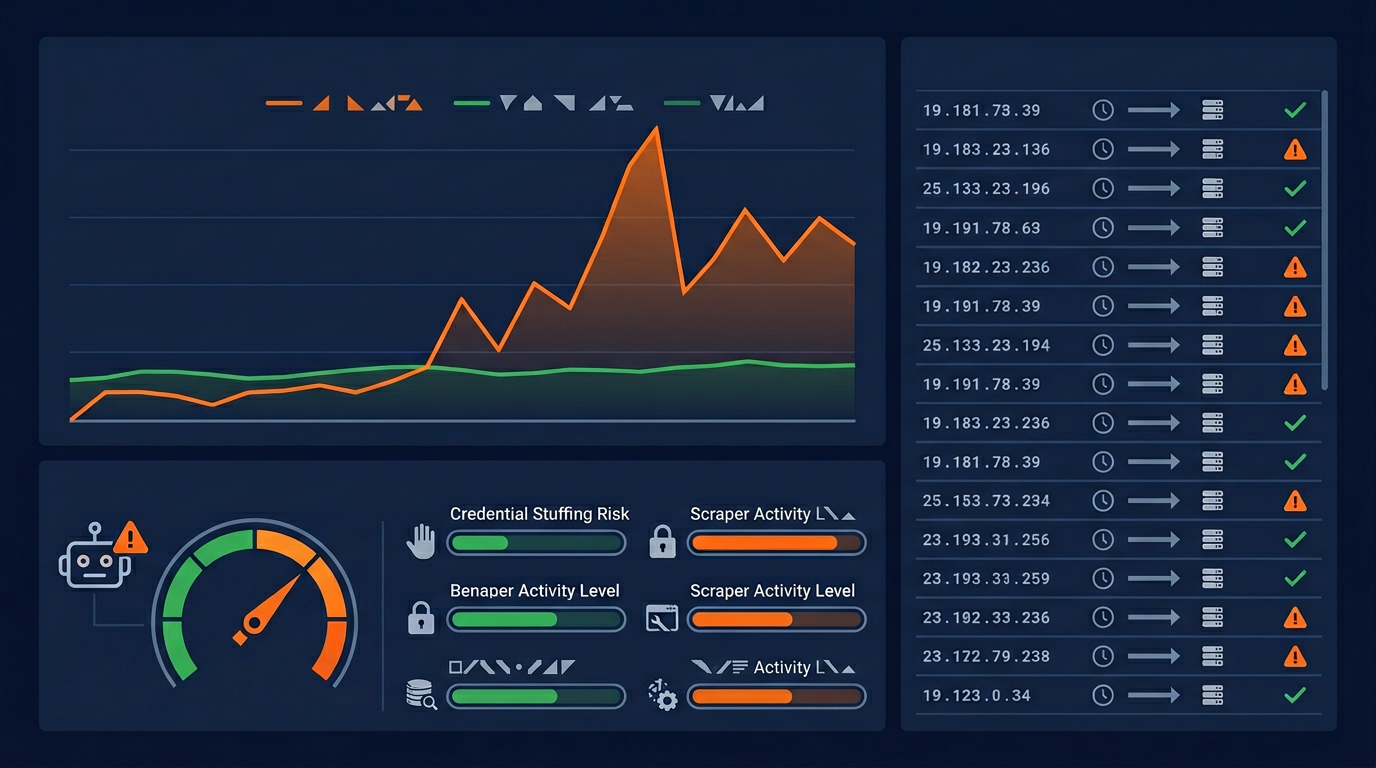
Server logs are the only place you can see what AI crawlers actually did, which makes them uniquely valuable and uniquely easy to misread. Analytics tools deliberately exclude bots, so a site can be crawled heavily and show nothing at all in its reports. But logs record the user agent a client claimed, and a user agent is a self-declared string that anything can send, so the raw log tells you what a request said about itself rather than what it was.
AI bot crawl logs answer a question no other data source can: which pages were fetched, when, how often, and what status code each fetch received. That last field is the one people skip and it is usually where the finding is. A crawler receiving redirects, or errors, or an empty shell with a successful status, is being told something quite different from what you intended, and none of that is visible anywhere except the log. Reading logs for volume alone wastes most of their value, because volume is the least actionable thing they contain.
The Crawl Logs Details That Decide the Outcome
Verify the identity before you draw any conclusion from it
A user agent string claiming to be a major crawler may be anything, and impersonation is common enough that unverified counts are not safe to act on. The reliable check is the network path rather than the string: confirm the request came from where that operator publishes its traffic as coming from. Do the verification first, then count, because a report built on unverified strings will overstate legitimate crawling and hide whatever was actually happening.
Read the status codes, not just the hit counts
The most valuable finding in a crawl log is usually a pattern of non-two-hundred responses. A crawler repeatedly receiving redirects is wasting its budget on hops. One receiving errors on your important pages is learning that those pages do not work. One receiving a successful status with almost no content is being told your page is empty, which is the worst case because it looks healthy in every summary. Group by status code before doing anything else.
Compare which pages are crawled against which pages you care about
Crawl attention is finite and it is frequently spent in the wrong place: pagination, filtered parameter combinations, tag archives, and other low-value paths can absorb most of it while your key pages are fetched rarely. This comparison is simple to produce and almost always surprising, and it converts directly into an action, which is usually a robots.txt or canonical change rather than a content change.
Separate the agents by declared purpose, because the response differs
A training crawler, a retrieval crawler and a user-triggered fetch deserve different reactions to the same pattern. Heavy training crawl volume may be a policy question. Absent retrieval crawling on important pages is a visibility problem. A user-triggered fetch receiving an error is somebody waiting for an answer about you and not getting one, which is the most urgent of the three. Aggregating all AI bots into a single line item destroys exactly the distinction that determines what to do.
The Crawl Logs Assumption Worth Checking
Concluding from an absence of AI bots in the log that AI crawling is not happening to you
The absence is real and the conclusion usually is not, because there are several ordinary reasons the traffic would not appear in the log you are reading. A CDN or edge layer may be serving those requests without them ever reaching origin, so the origin log is genuinely empty while the site is being crawled steadily. Log retention may be shorter than the crawl interval. The parsing may be filtering the agents out. Or the requests may be being declined at the edge by a rule nobody remembers enabling. Establish that your log actually sees bot traffic at all, by finding a crawler you know visits, before treating any absence as information.
What to Test About AI Bot Crawls in Server Logs Before Moving On
The check that matters here: Filter one week of logs to verified AI crawlers, then group by status code and by path. A cluster of non-two-hundred responses, or crawl attention concentrated on paths you do not care about, is a finding you can act on this week.
Where to Go From Here
Crawl Logs is one piece of a larger picture. The AI crawler directory documents every crawler we track with its operator, purpose and safety rating, and the batch checker audits many sites in one pass if you manage a portfolio.
You cannot improve what you do not measure. Establish a baseline with a free AI crawler check before you change anything, so the next reading means something.
Your Crawl Logs Action Checklist
Five concrete steps, specific to what this guide covered. Work through them in order, changing one thing at a time so you can tell which change produced the result.
- □Establish a baseline with an AI crawl checker and write down the score before you change anything.
- □Apply the single highest-impact change from this guide, on its own, so you can attribute the result.
- □Validate the change with the robots.txt check before it reaches production.
- □Re-measure and compare against your baseline rather than against expectation.
- □Schedule a recurring re-check, because redesigns and security updates quietly undo this work.